Custom Skills
Overview
MeDo official skills already cover a wide range of scenarios, including AI tools, payment services, video technologies, voice and image processing, text processing, map services, information search, login verification, and more, helping you efficiently complete tasks and build feature-rich applications.
However, official skills may not fully satisfy more vertical or highly customized business requirements. To address this, MeDo provides Custom Skills — simply upload a .zip skill package to quickly create a custom skill, which can then be flexibly invoked during task execution or application generation.
With custom skills, you can equip MeDo with richer, more professional capabilities and domain knowledge, enabling it to complete specialized tasks more effectively or build applications that better fit your business needs.
External API Integration
Currently, MeDo has temporarily removed the method of creating custom plugins directly through API documentation links or API descriptions. If you need to integrate external APIs, you can currently use the following approaches.
In the future, MeDo will support directly converting APIs into custom plugins through conversation, allowing you to quickly use them in task execution or application generation after creation. Stay tuned.
Integrate directly in conversation
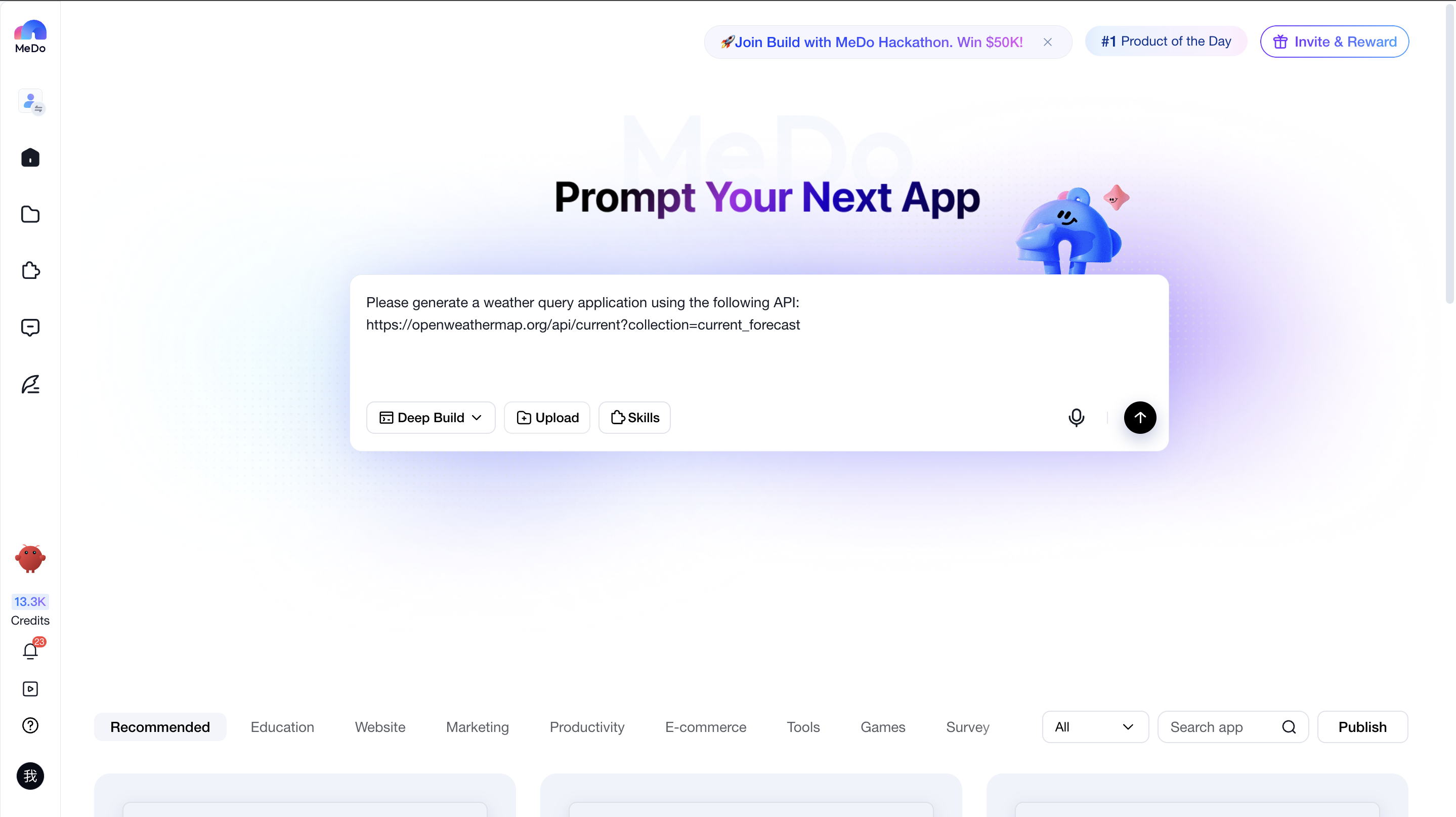
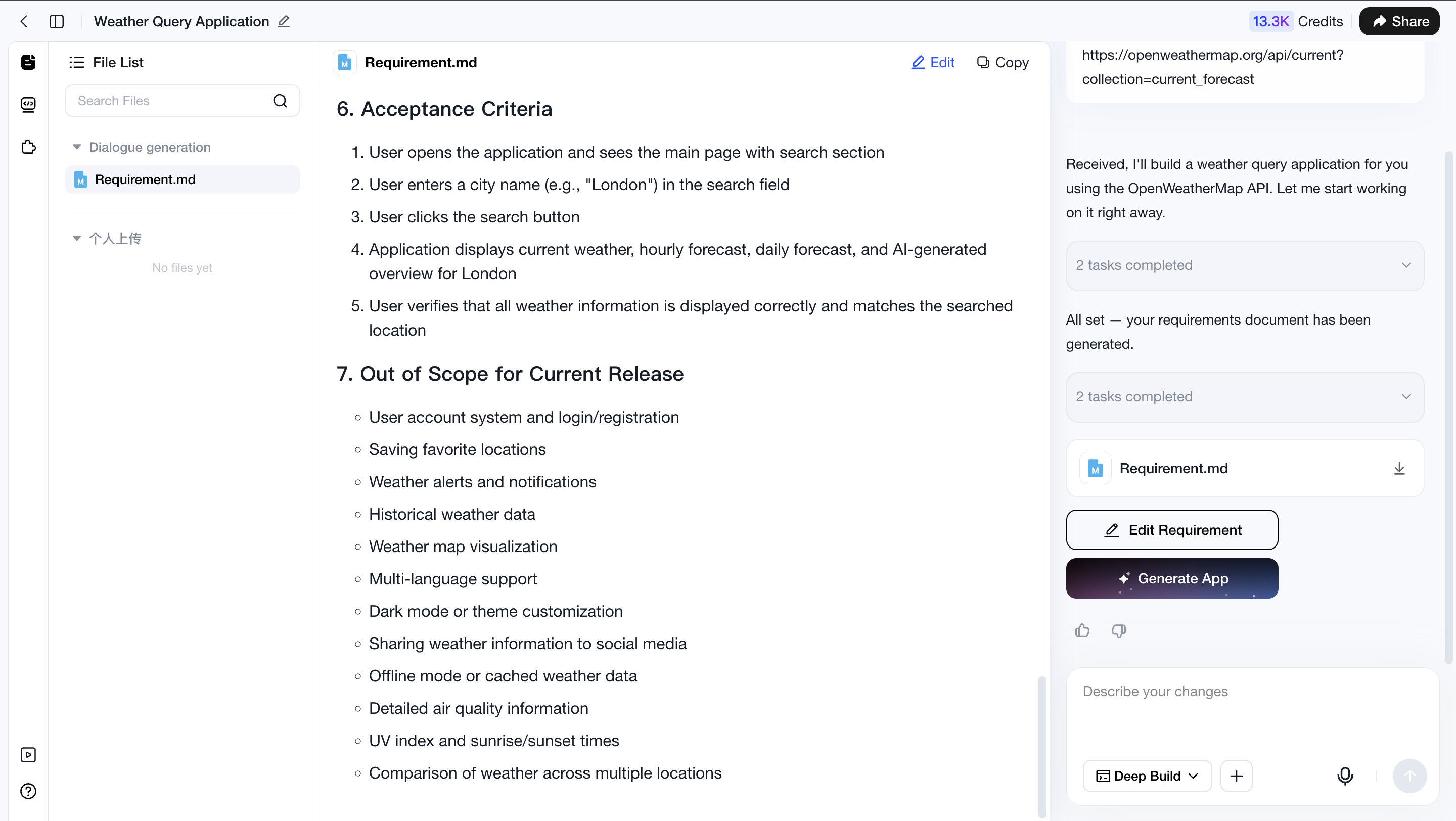
You can directly provide API descriptions or API documentation links in the conversation, and MeDo will help you integrate the API.
Example:
Please generate a weather query application using the following API:
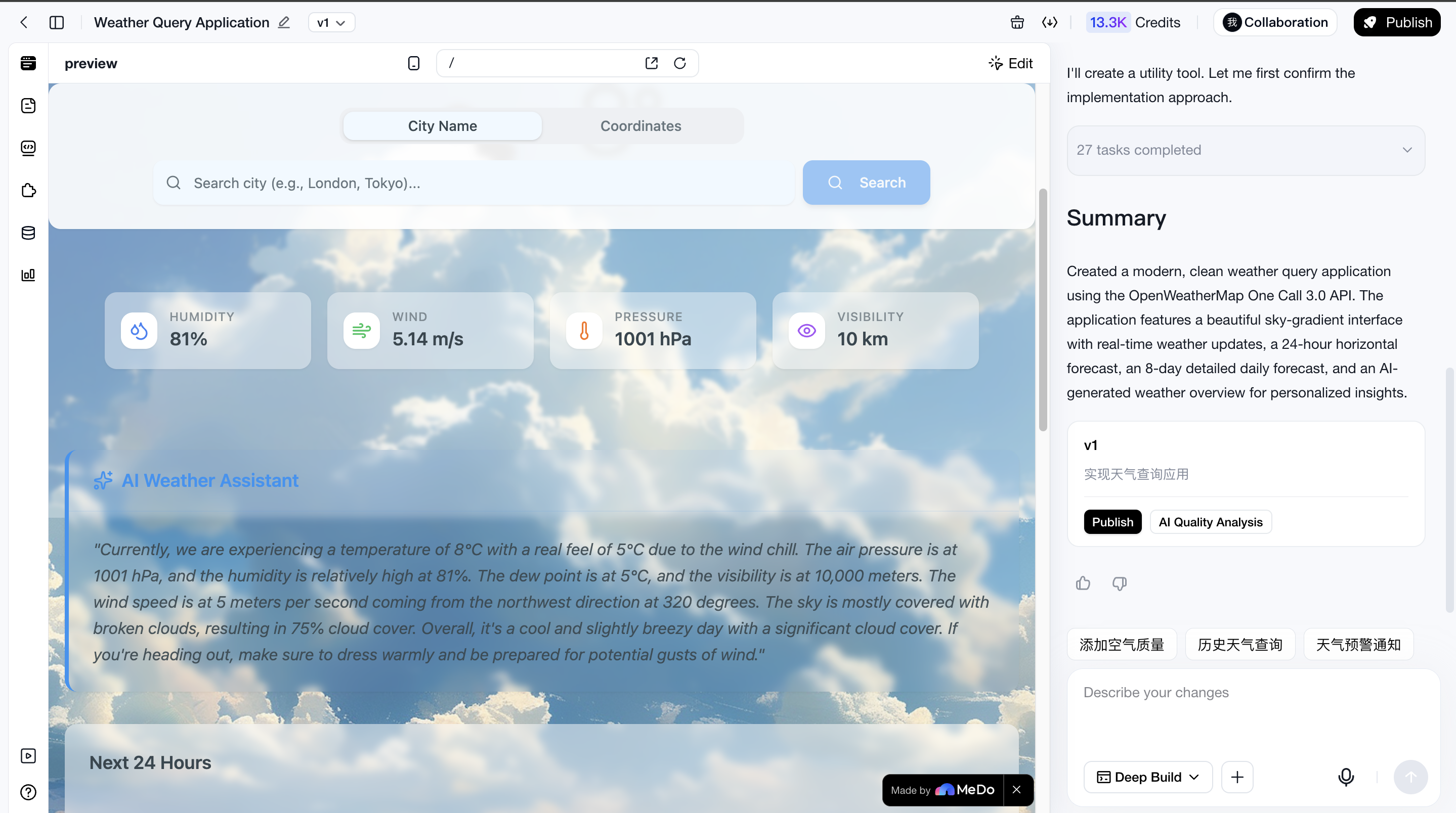
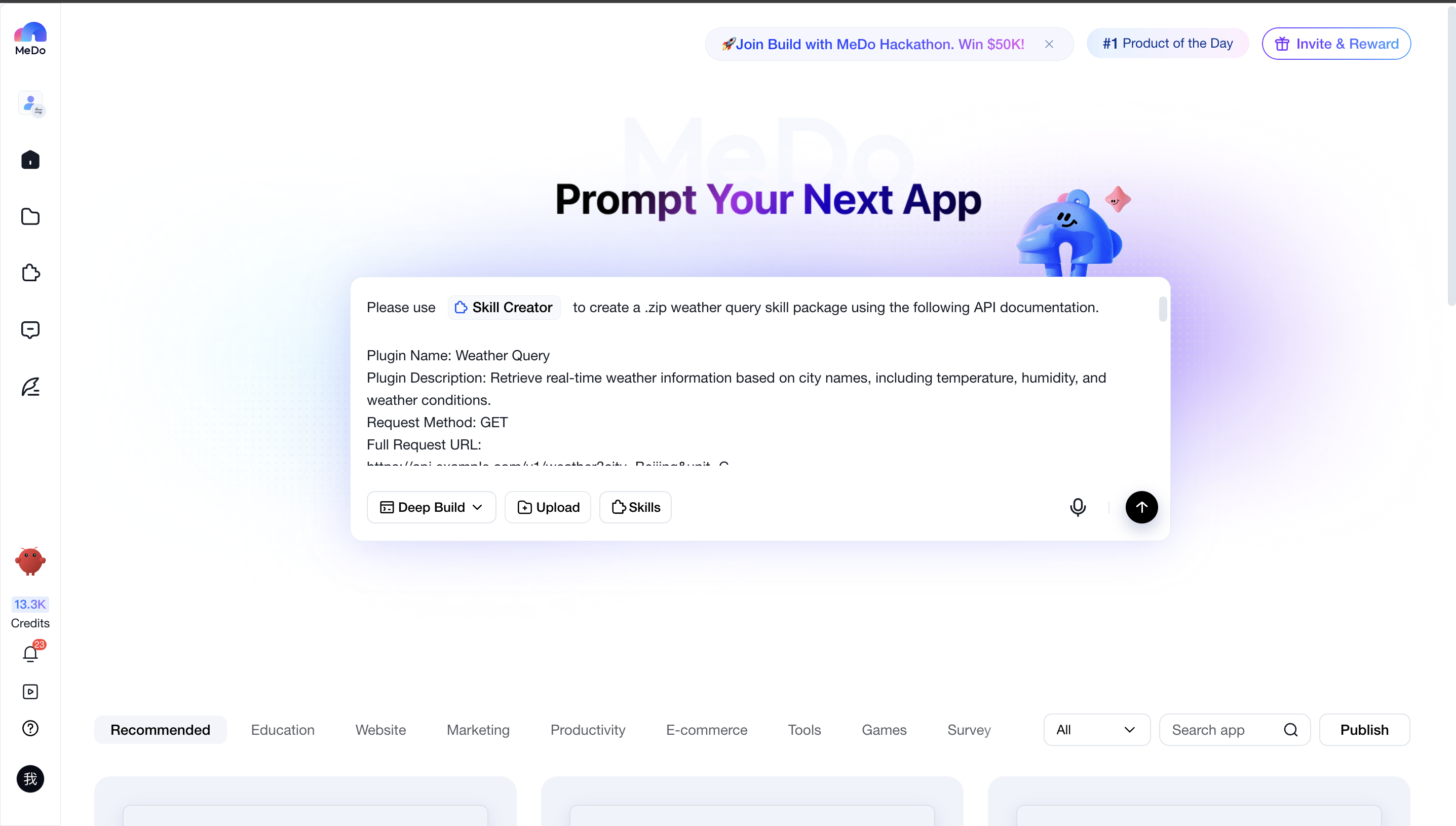
Generate a skill package through conversation or using the "Skill Creation & Editing" skill
Mention the "@Skill Creation & Editing" skill in the conversation and paste the API description or API documentation link. MeDo will then help convert the API into a skill package, which you can download and import into Custom Skills.
Please note that the API description you provide should be as complete as possible. Refer to the example below for the recommended structure and required information.
Example:
Successful Response Example
Error Response Example
Error Codes
invalid_city: City does not exist (HTTP 404)missing_city: Missing city parameter (HTTP 400)invalid_unit: Invalid temperature unit (HTTP 400)unauthorized: Authentication failed (HTTP 401)rate_limited: Too many requests (HTTP 429)server_error: Server error (HTTP 500)
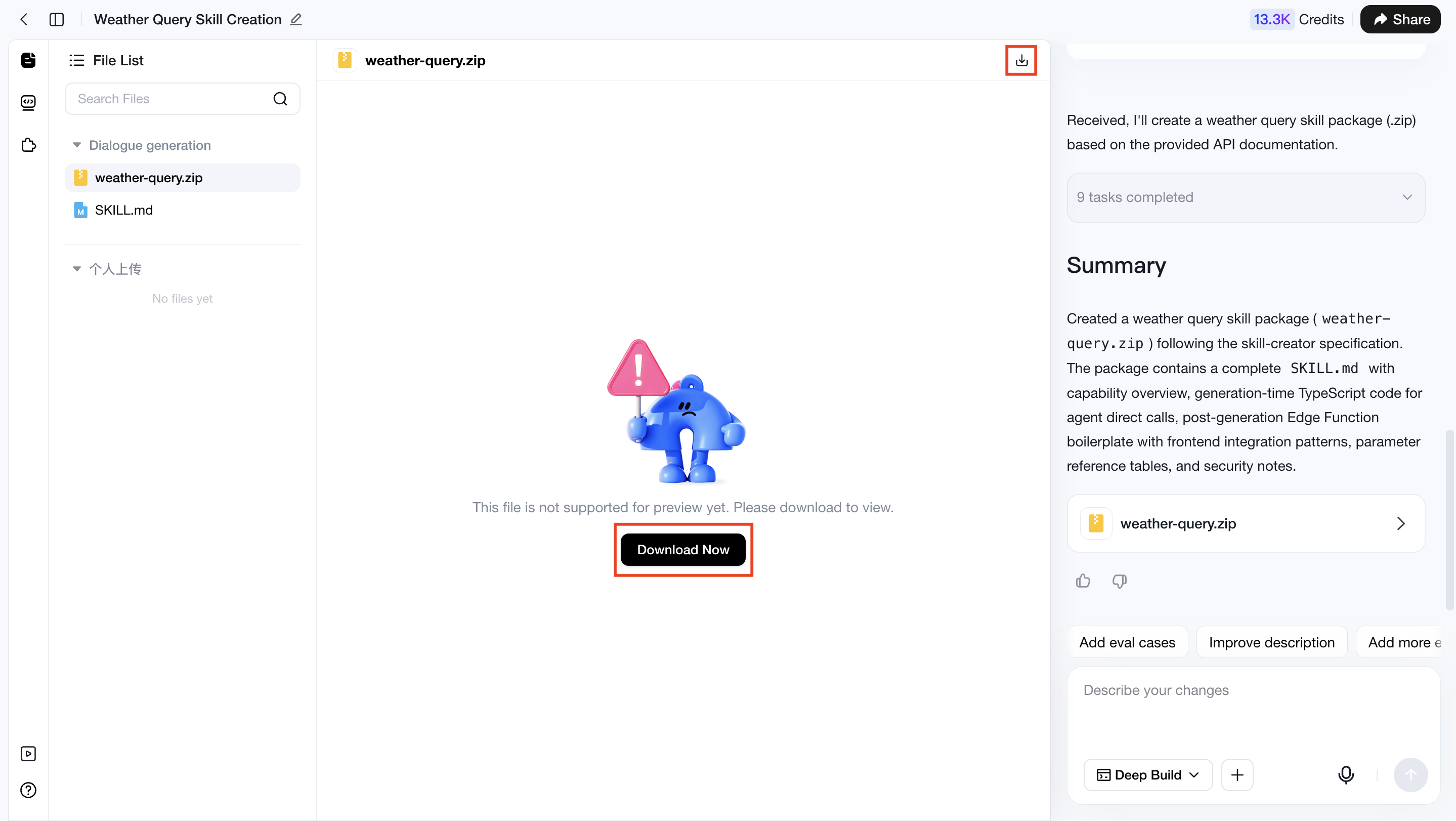
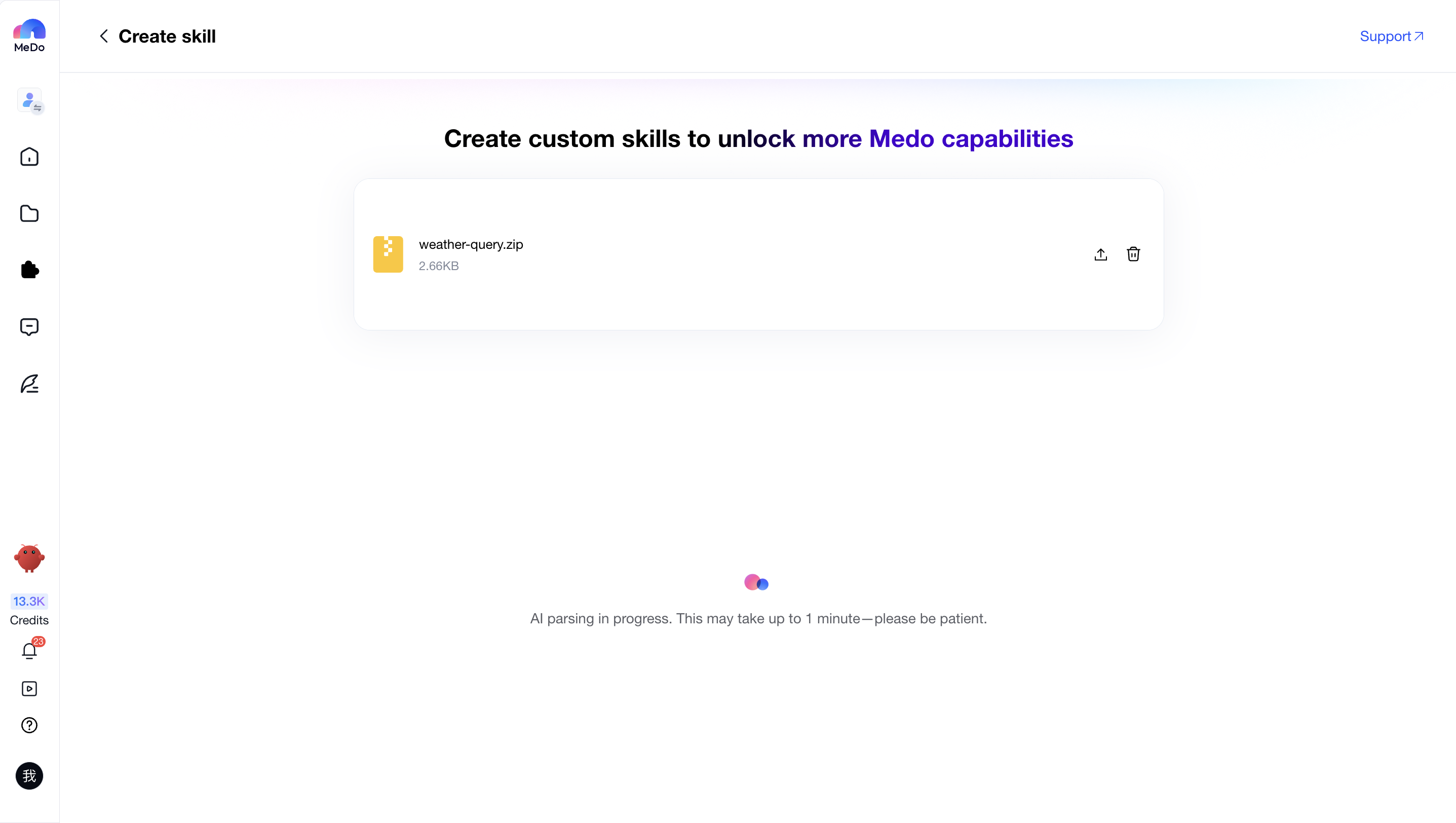
Import and create directly
If you already have a prepared skill package containing APIs, you can directly import it into Custom Skills. See the following sections for detailed instructions.
Create Custom Skills
Please navigate to:【My Skills > Create Skill】

Upload Skills
Skill Upload Format Requirements
After entering the Skill Creation & Editing page, you can upload a .zip Skill Package or SKILL.md file by clicking or dragging the file into the upload area. Both the Skill Package and SKILL.md file must follow the standard SKILL format described below.
Recommended .zip Skill Package structure:
SKILL.md(required, skill definition file)- Additional Resources (optional)
scripts/(Scripts): executable code such as Python or Shell automation scriptsreferences/(Reference Materials): product documentation, business rules, knowledge base content, etc.assets/(Assets): templates, icons, fonts, images, and other resource files
SKILL.md structure example:
Complete SKILL.md example:
Precautions
The following formatting requirements apply when uploading .zip Skill Packages and SKILL.md files to MeDo.
Frontmatter example:
After the upload is completed, MeDo will parse and configure the skill based on the content you provided. The process usually takes about one minute. Please do not leave the page during parsing.
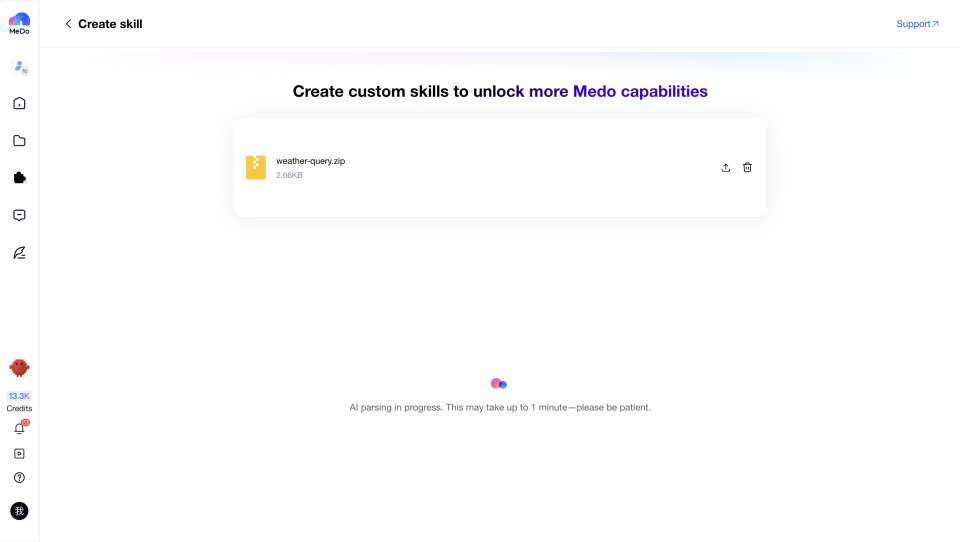
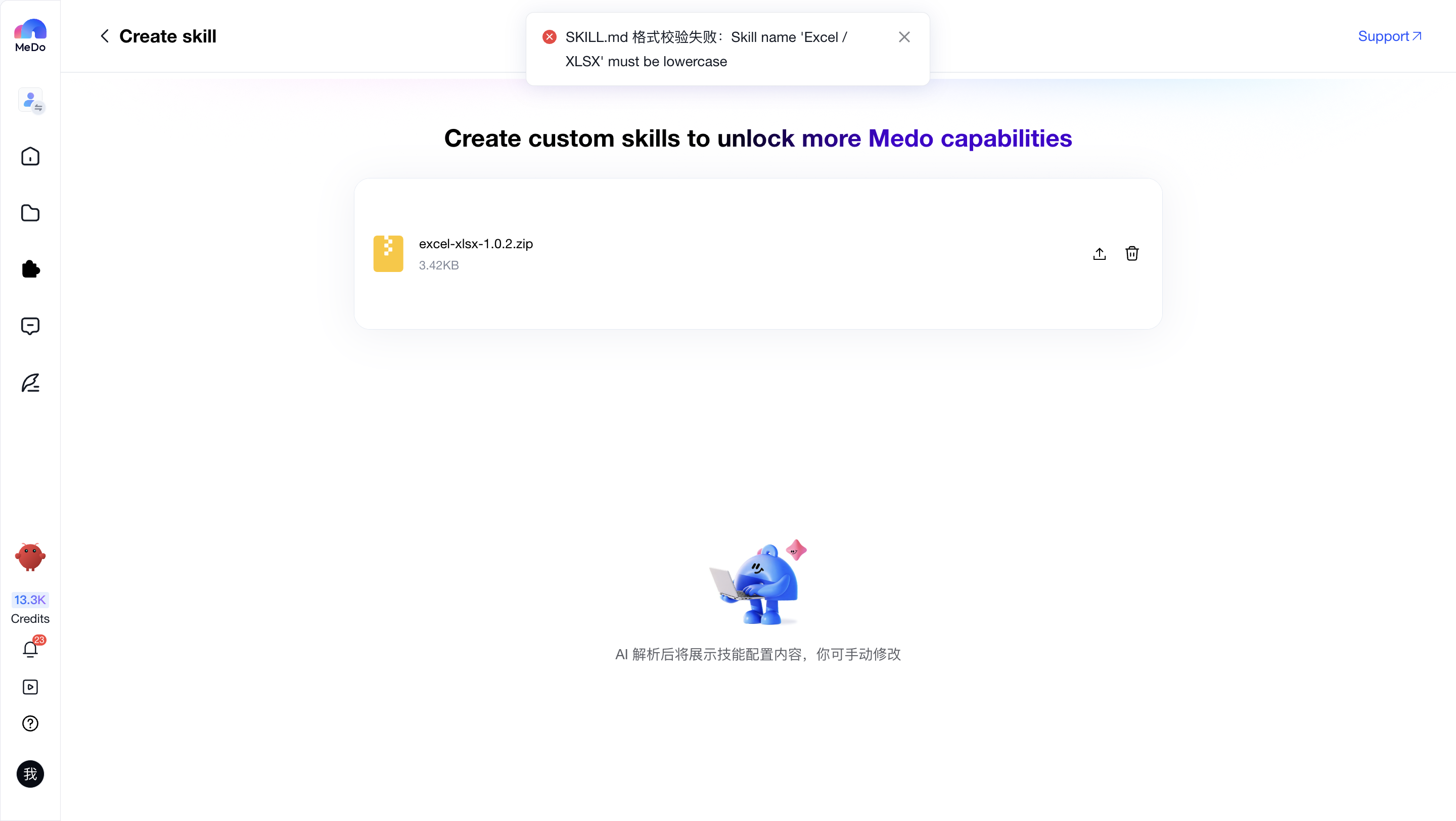
If parsing succeeds, the interface will display the skill configuration. See section 2 for details. If parsing fails, MeDo will stop parsing and explain the reason.
Edit Configuration
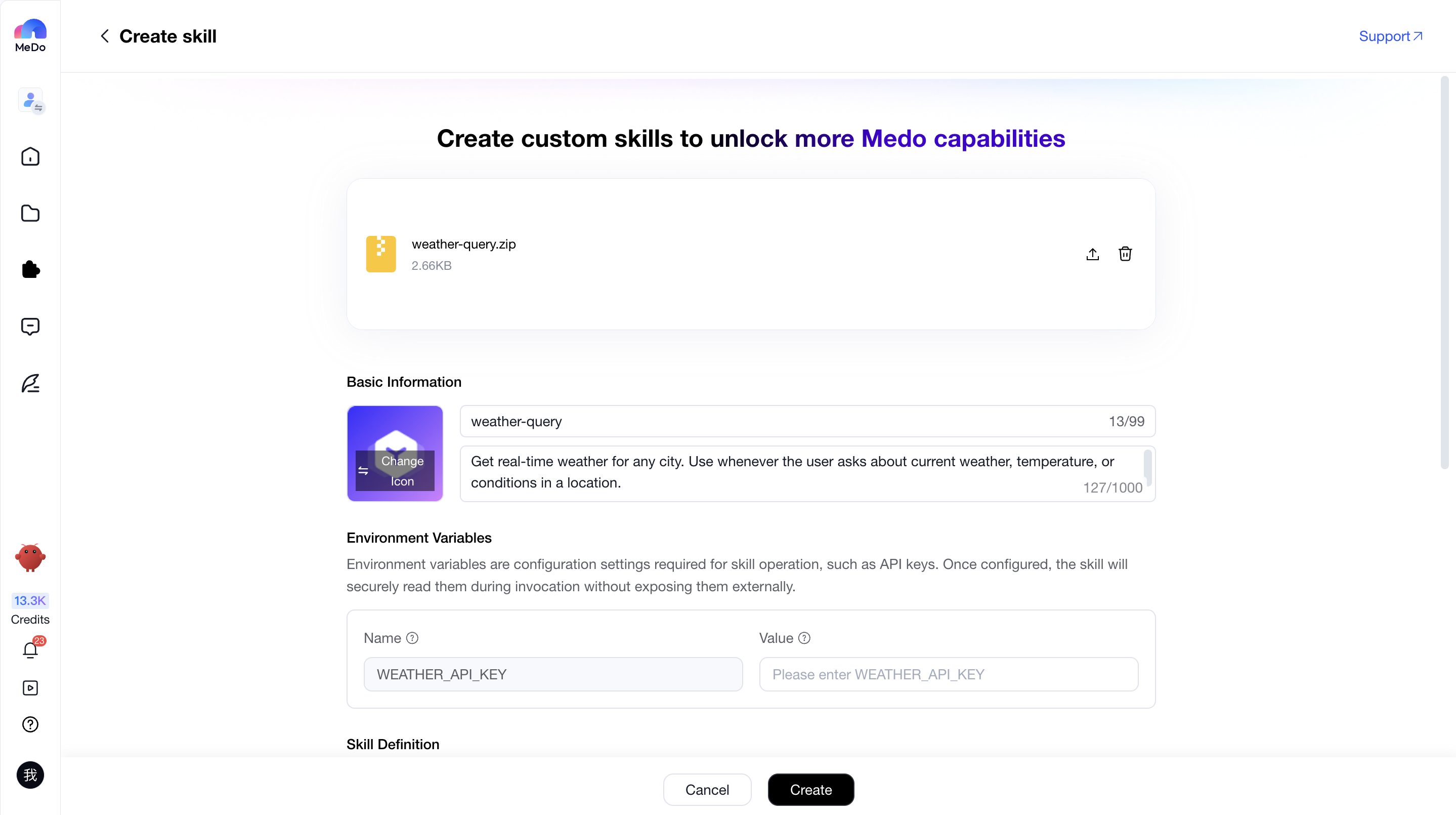
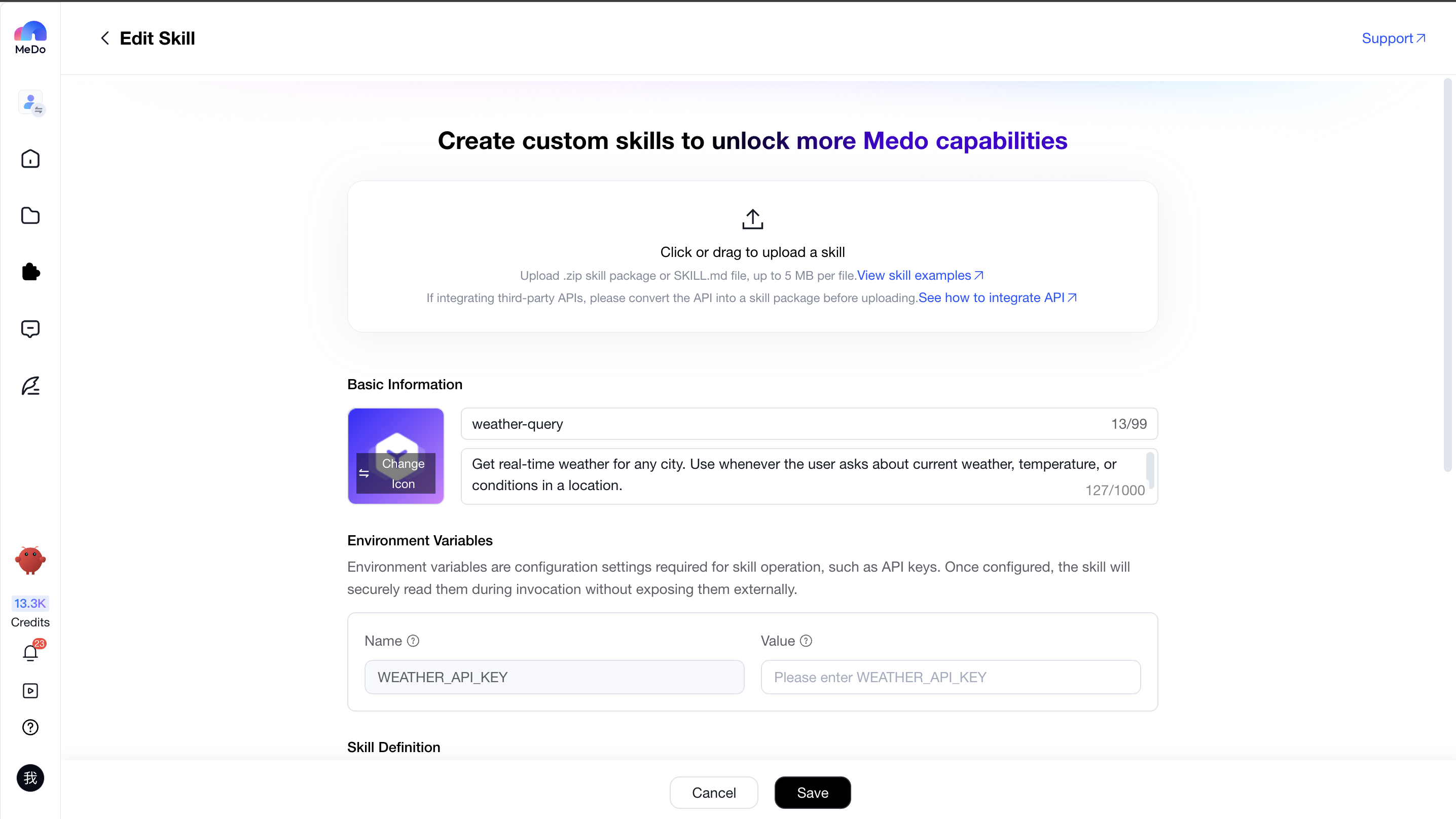
After successful parsing, the interface will display the skill configuration.
Basic Information
MeDo will automatically configure the skill icon, skill name, and skill description based on the uploaded skill package.
Illustration:

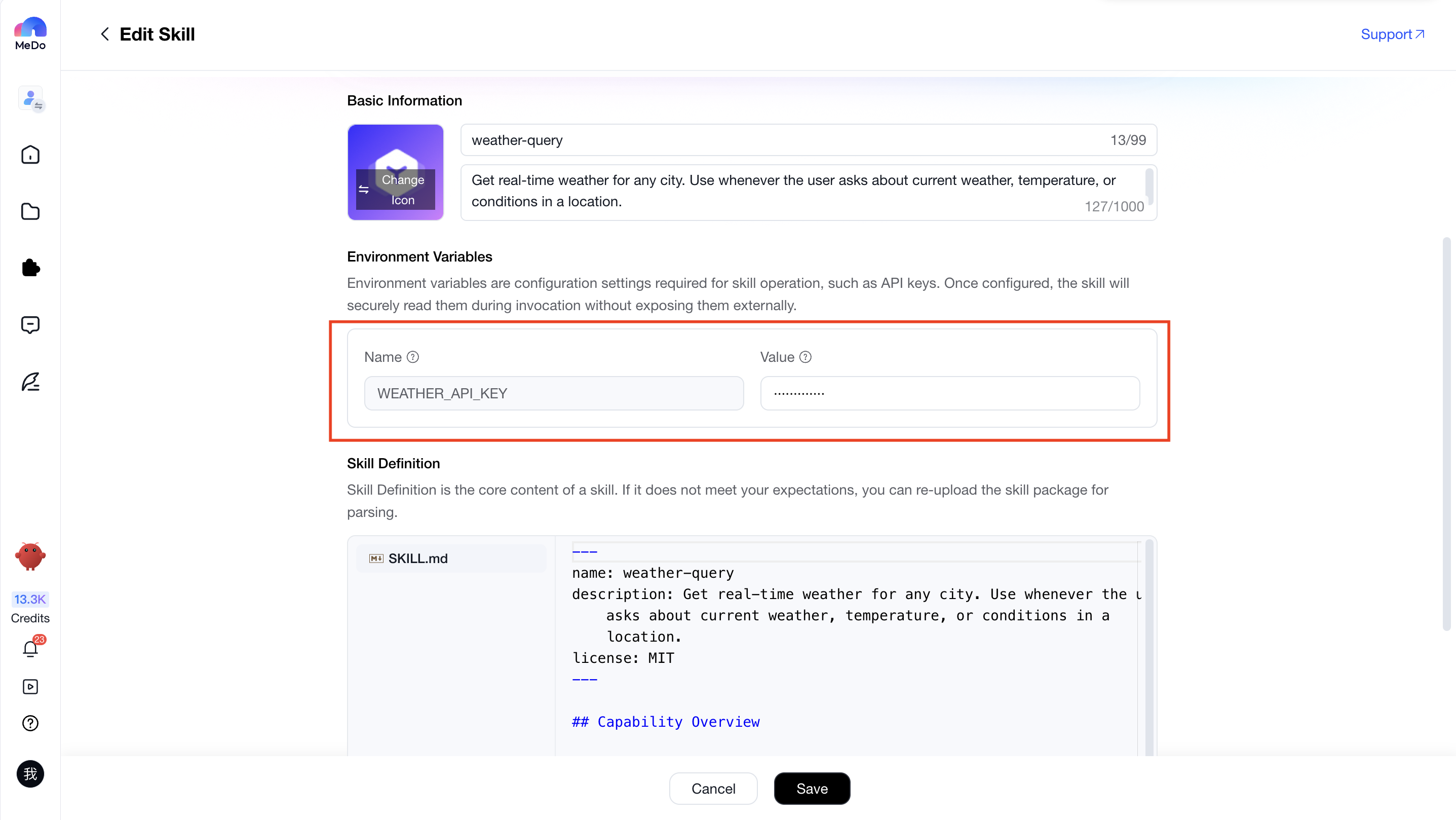
Environment Variables
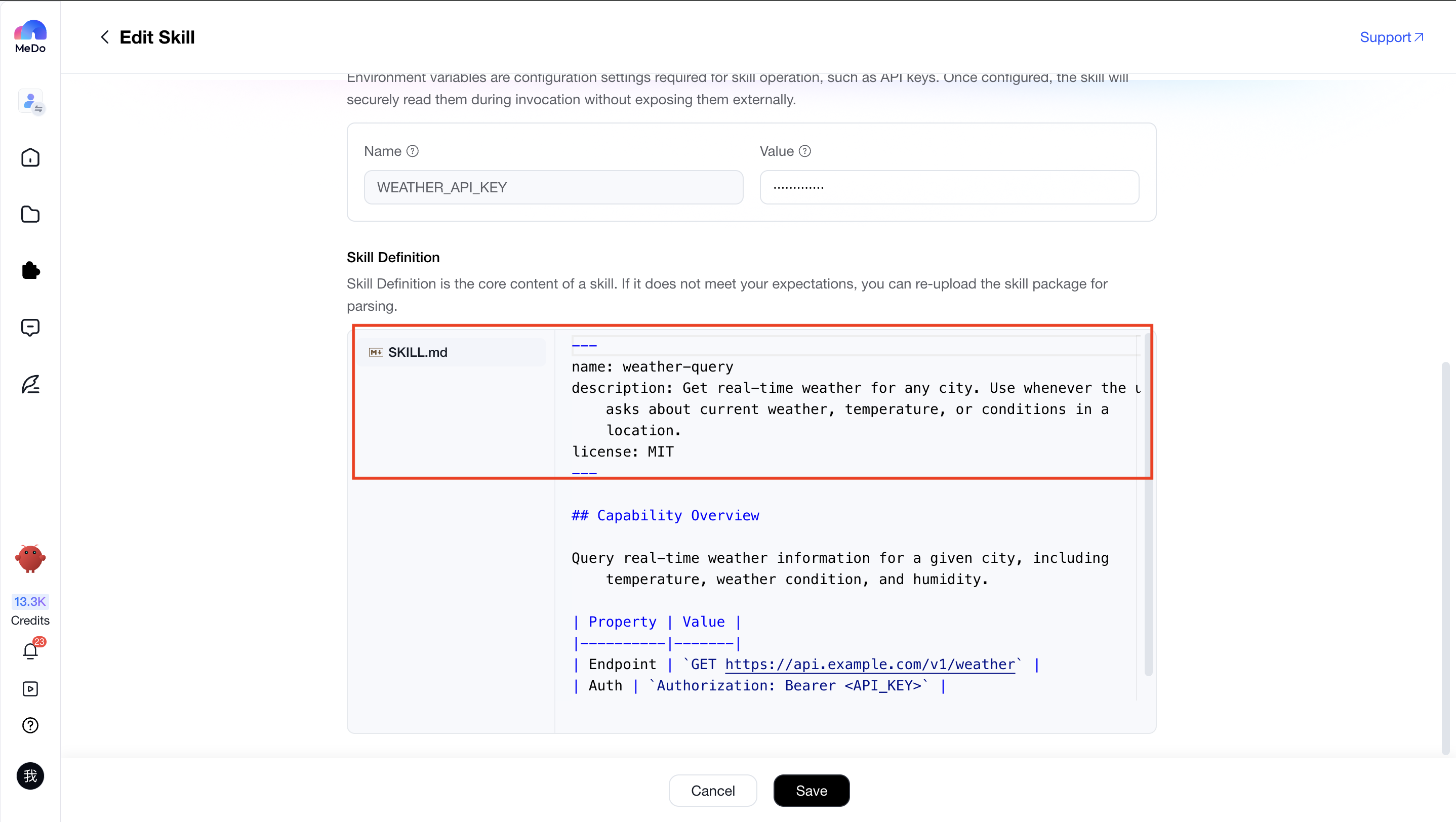
If the skill contains environment variables, the Environment Variables module will appear. Environment variables are configuration values required for the skill to run, such as API Keys. After configuration, the skill will securely read these values during execution without exposing them externally.
Item
Description
Illustration
Name
The environment variable name used when invoking the skill. This value is automatically generated by MeDo and cannot be modified
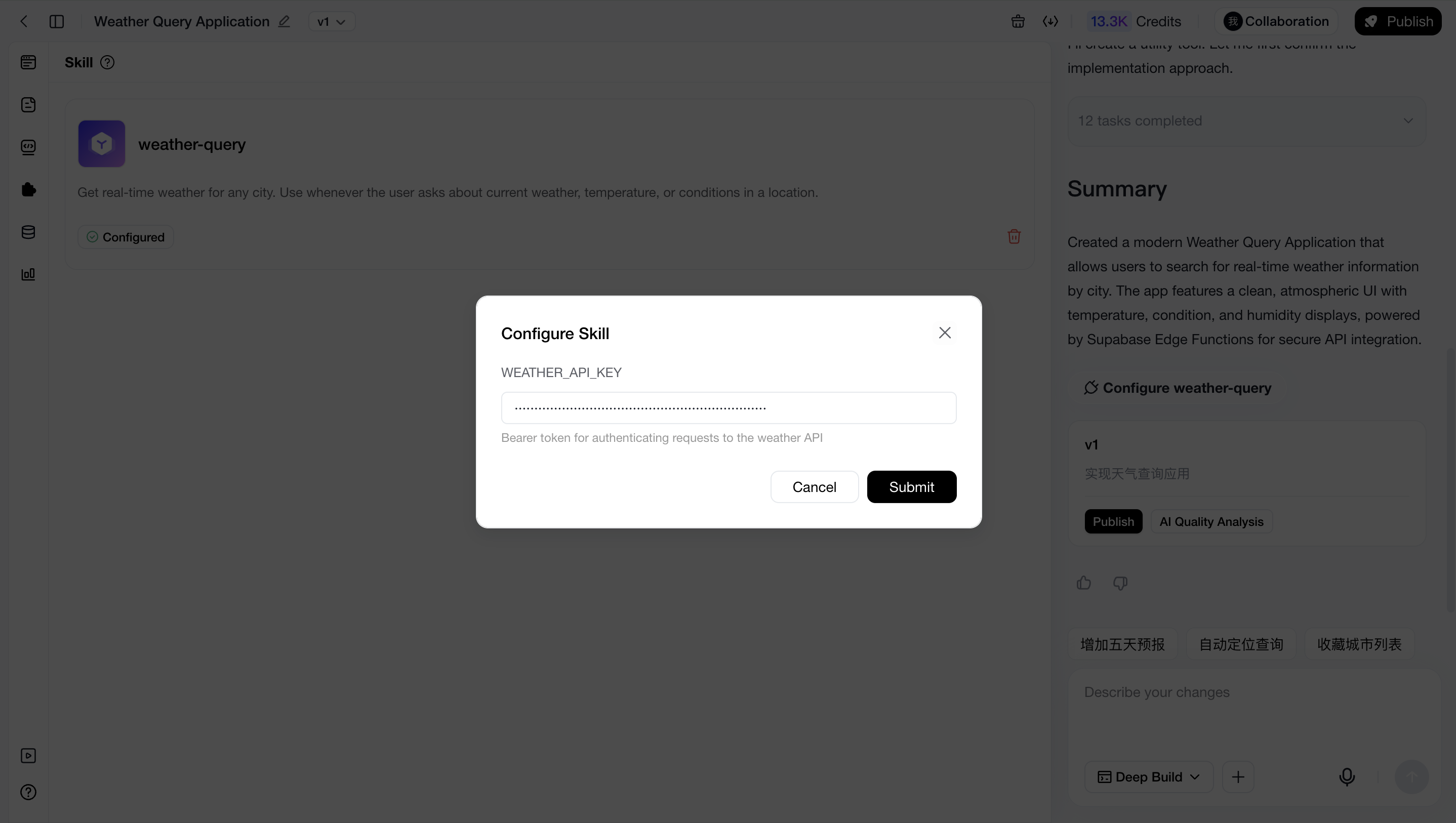
Value
The value corresponding to the Name. Once filled in, the skill will automatically use this configuration during invocation. If left empty, you will need to manually configure it when using the skill in a project
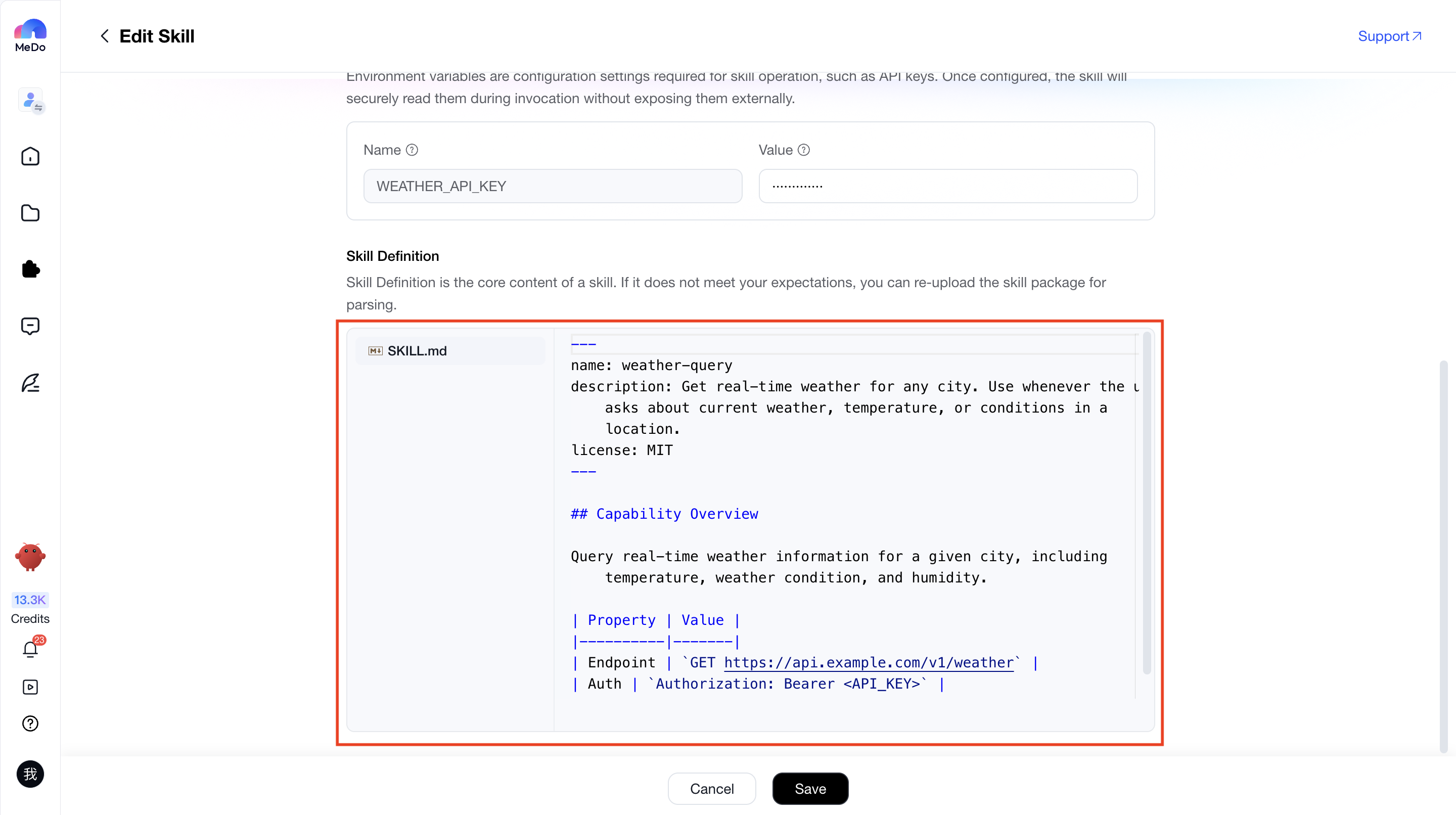
Skill Definition
Skill Definition is the core basis for MeDo to integrate this skill into applications. It is automatically generated based on the uploaded skill package and cannot be manually modified.
After generation, you can verify whether the content meets expectations, including whether all required files are included and whether the file contents are accurate. For API-based skills, you should also verify whether all required endpoints, endpoint descriptions, and examples are complete.
If the generated result does not meet expectations, you can modify the corresponding skill files and re-upload them for parsing.
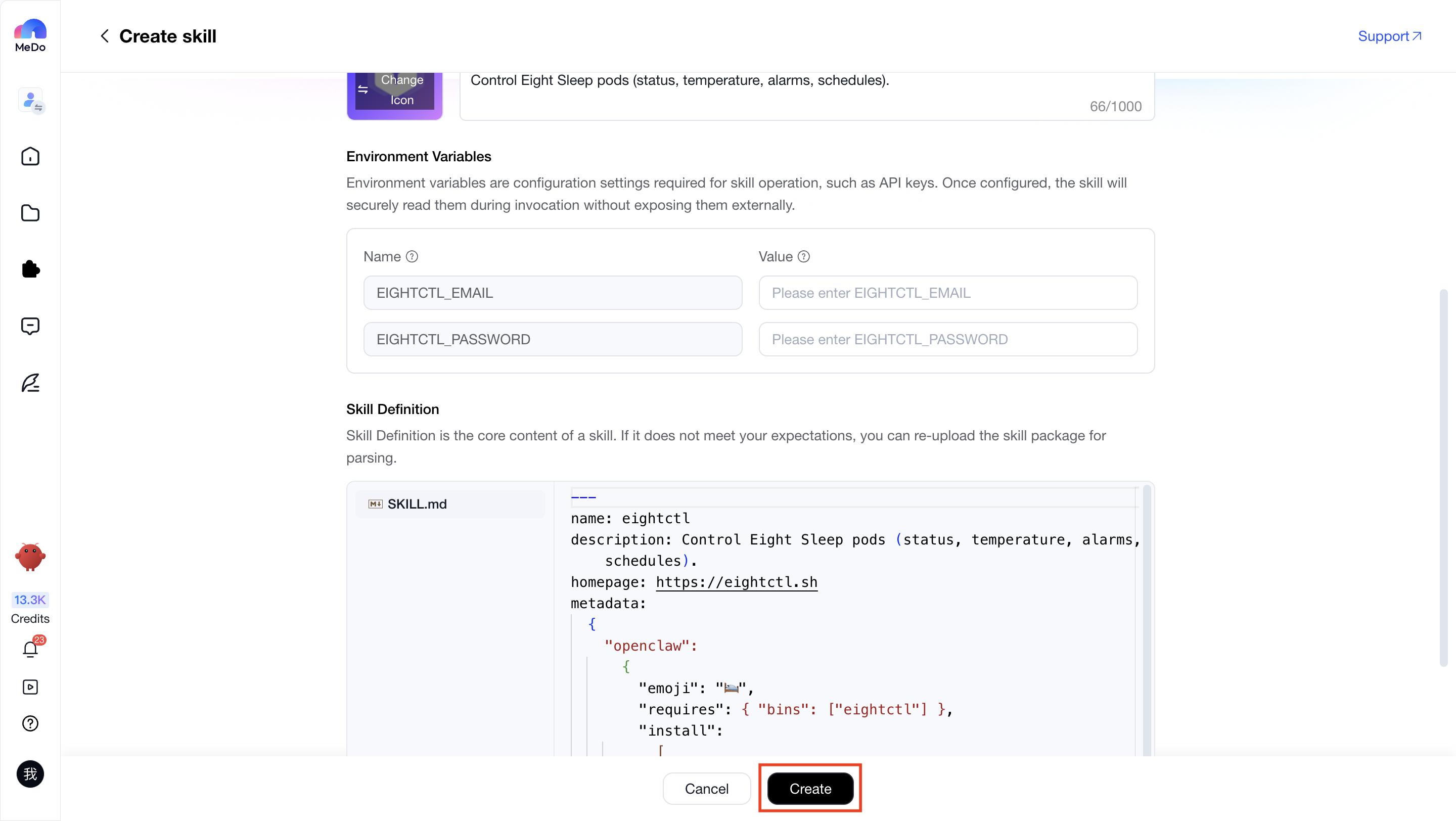
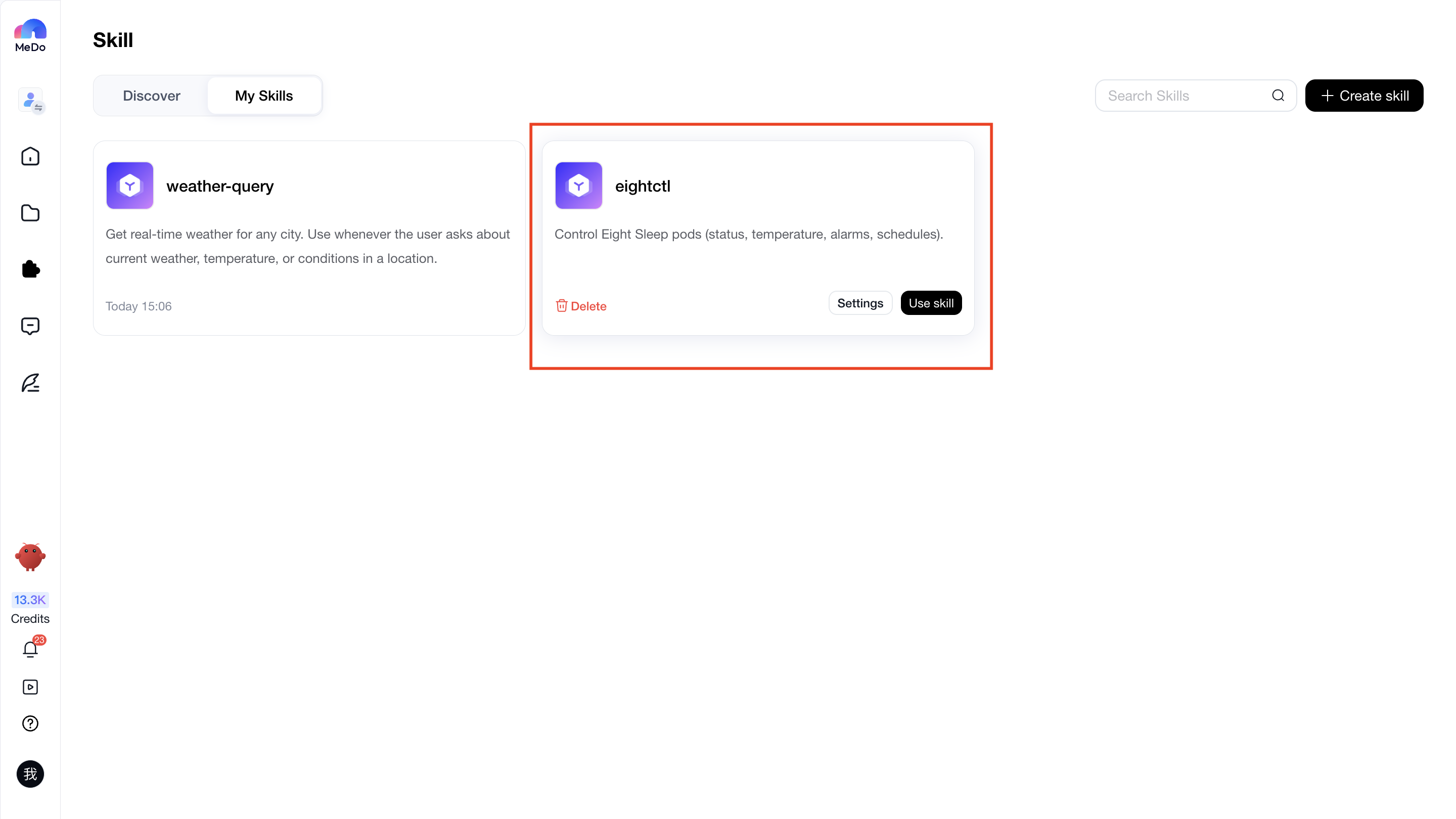
Complete Creation
After all information has been configured, click Create to complete the custom skill creation process.
Use Custom Skills
Test Skills
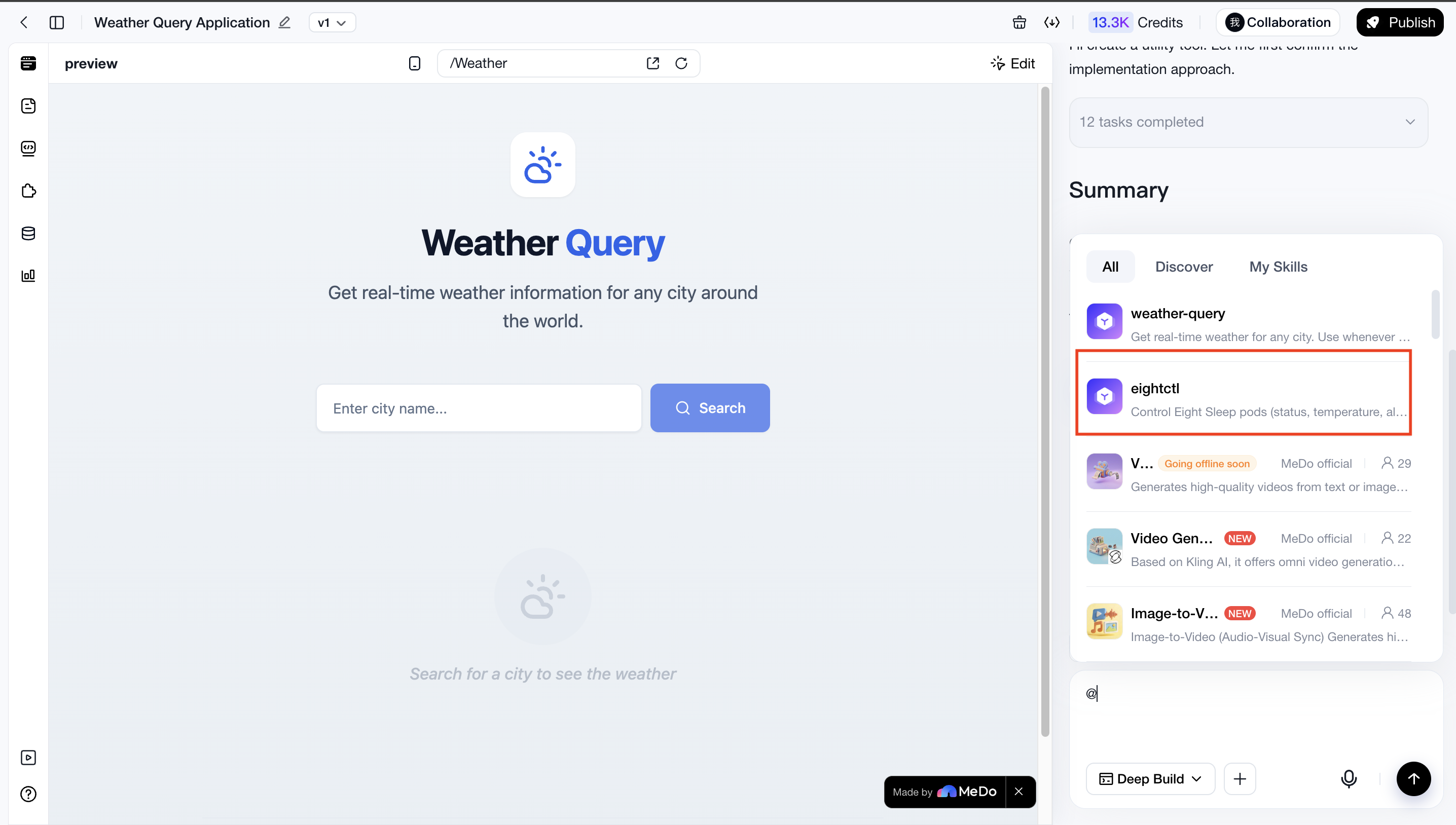
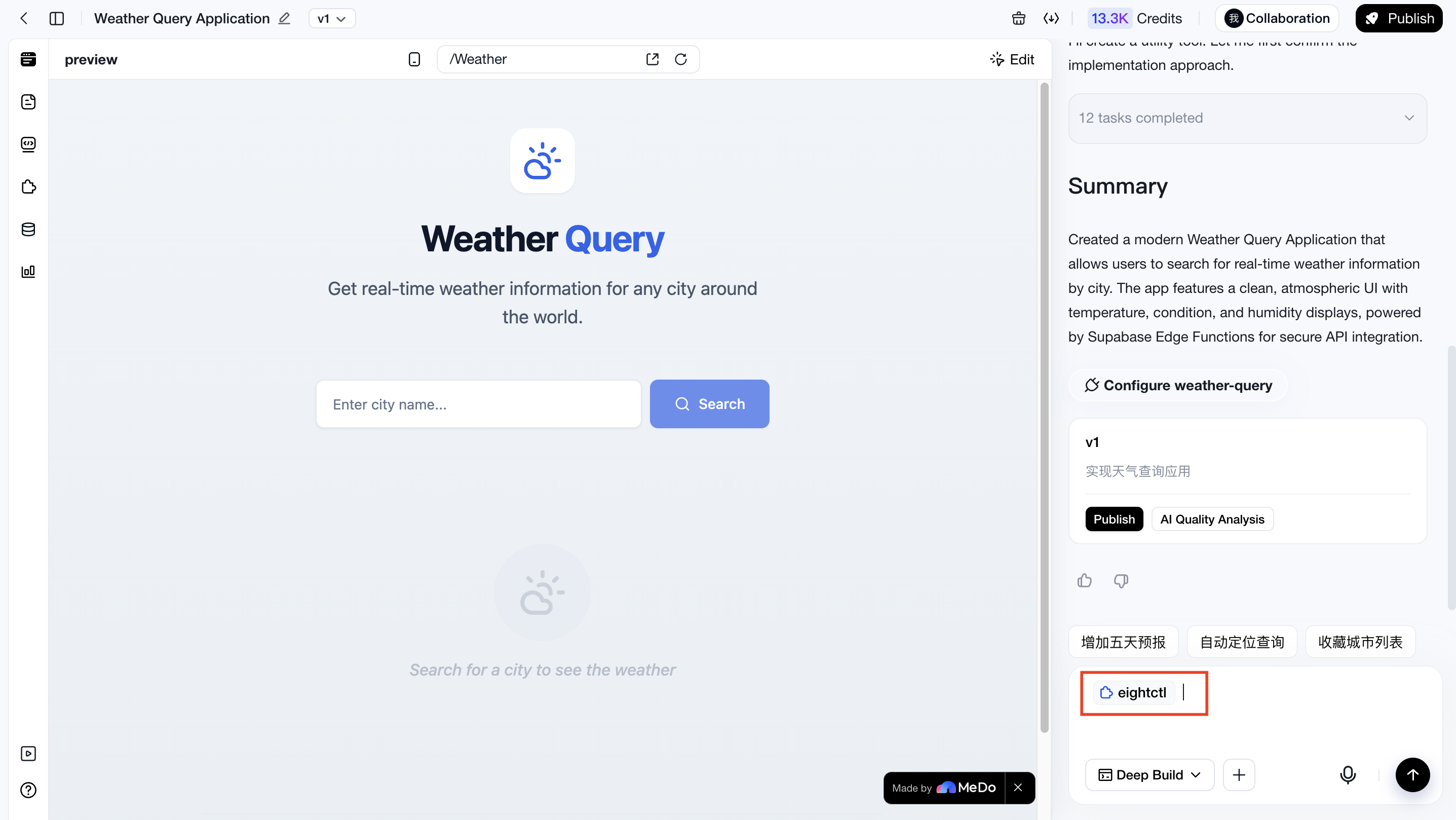
After creation is complete, you can invoke the skill within an application for testing. You can use "@" to locate your custom skills and invoke them directly.
Test Whether the Custom Skill Can Be Invoked Correctly
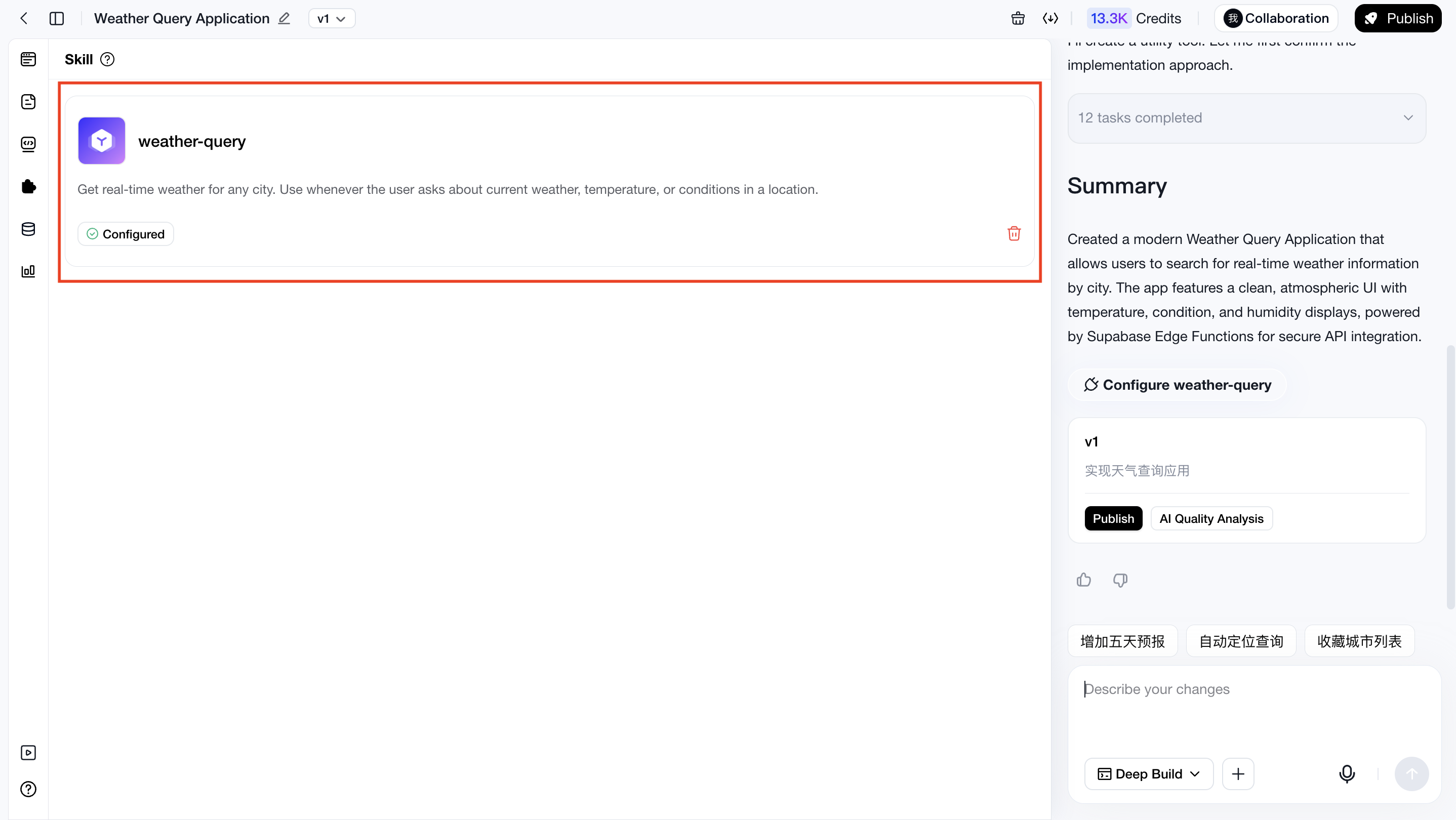
After invoking the skill to generate applications or features, you can check whether the skill has been used in the Used Skills list from the left sidebar.
Situation
Description
Illustration
Used
If the skill appears in the Used Skills list, you can proceed to functionality testing
Not Used
If the skill was not used, try invoking it again to regenerate the feature or application. If the skill still cannot be invoked, return to the skill configuration page and check whether the endpoint names and descriptions in the Skill Definition properly match the intended usage scenarios. If not, improve the descriptions in the top input field and regenerate the Skill Definition
Test the Availability of Custom Skills
If the custom skill can be successfully invoked, the next step is to test whether the generated functionality works properly.
For example, if you created a custom fuel price query skill, you should test whether it can actually retrieve fuel prices correctly.
Situation
Description
Illustration
Function works properly
This means you have successfully created a usable custom skill, which can now be used across your applications
/
Function does not work properly
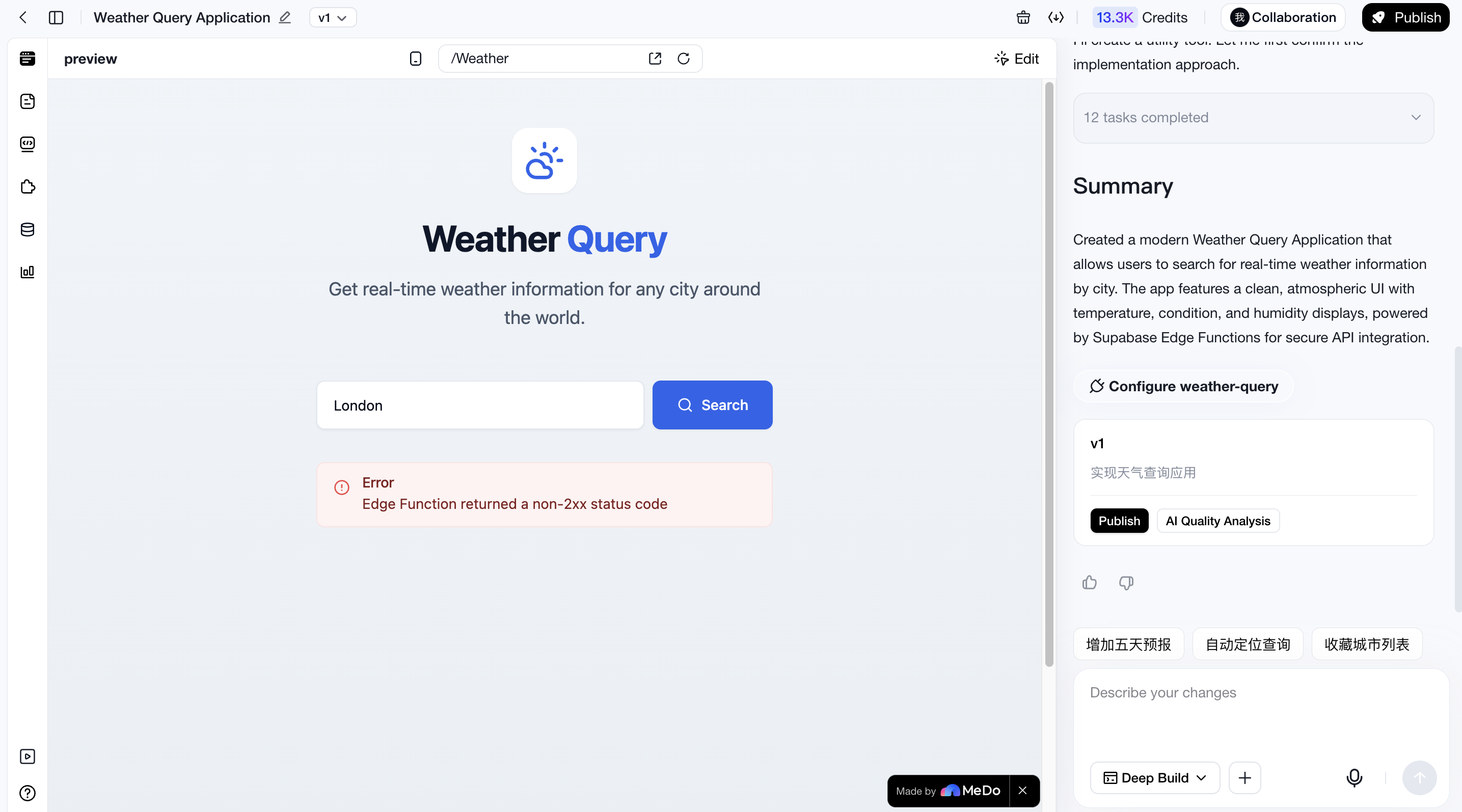
This may be caused by incorrect credentials or generation quality issues. First confirm whether the provided credentials are correct. If the problem persists, try fixing it through conversation. If the issue can be fixed through conversation, the custom skill itself is likely usable.
If multiple rounds of conversation still cannot resolve the issue, the problem may lie in the custom skill definition itself. Please return to the skill configuration page and verify whether the API documentation is complete, including endpoint definitions, endpoint paths and methods, request parameters, request examples, response examples, error codes, and descriptions. If any information is missing, update the description and regenerate the skill definition.
Official Usage
After the skill passes testing, it can be officially used across applications.
However, actual usage may still be affected by factors such as unclear requirement descriptions, which may prevent the generated functionality from reaching a highly usable state in a single attempt. Therefore, even after successful testing, some skill-related functionality may occasionally fail to work as expected. In such cases, you can simply fix the issue through conversation.
Manage Custom Skills
You can manage your created skills through:
【Skills > My Skills > Target Skill】
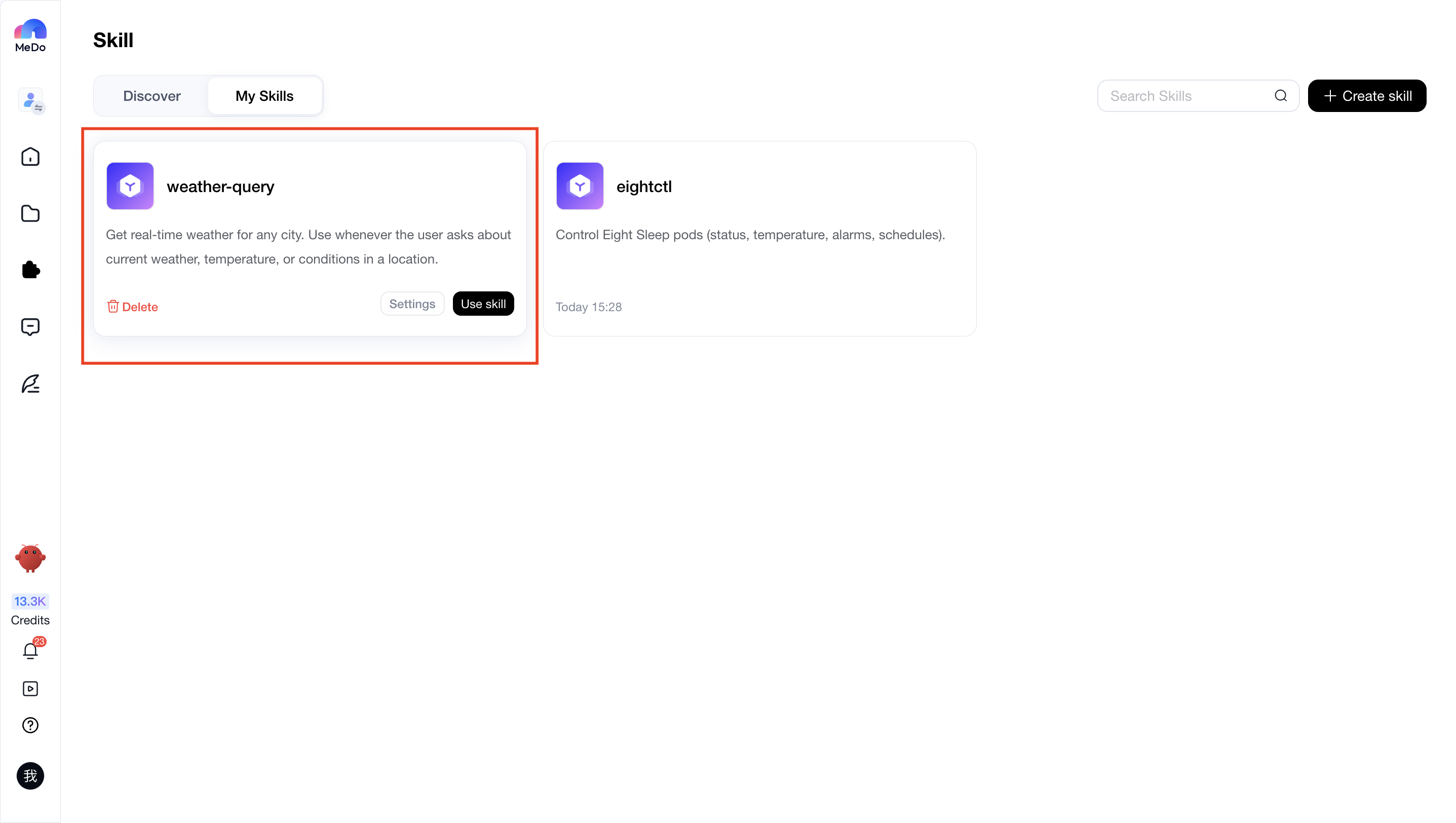
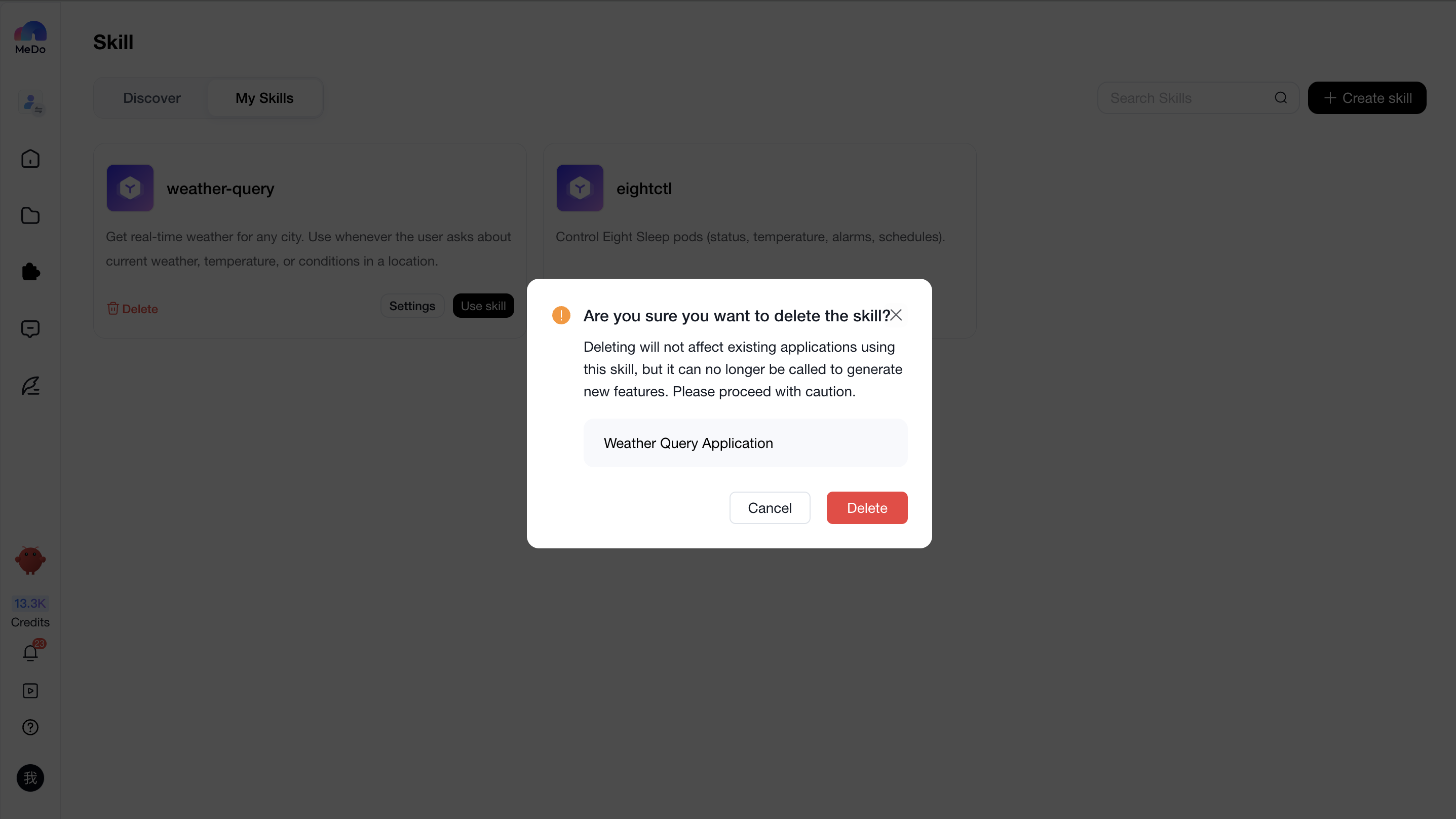
You can configure or delete custom skills here.
After deleting a skill from Skill > My Skills, the skill can no longer be used to generate new applications or features. However, applications that are already using the skill will not be affected.
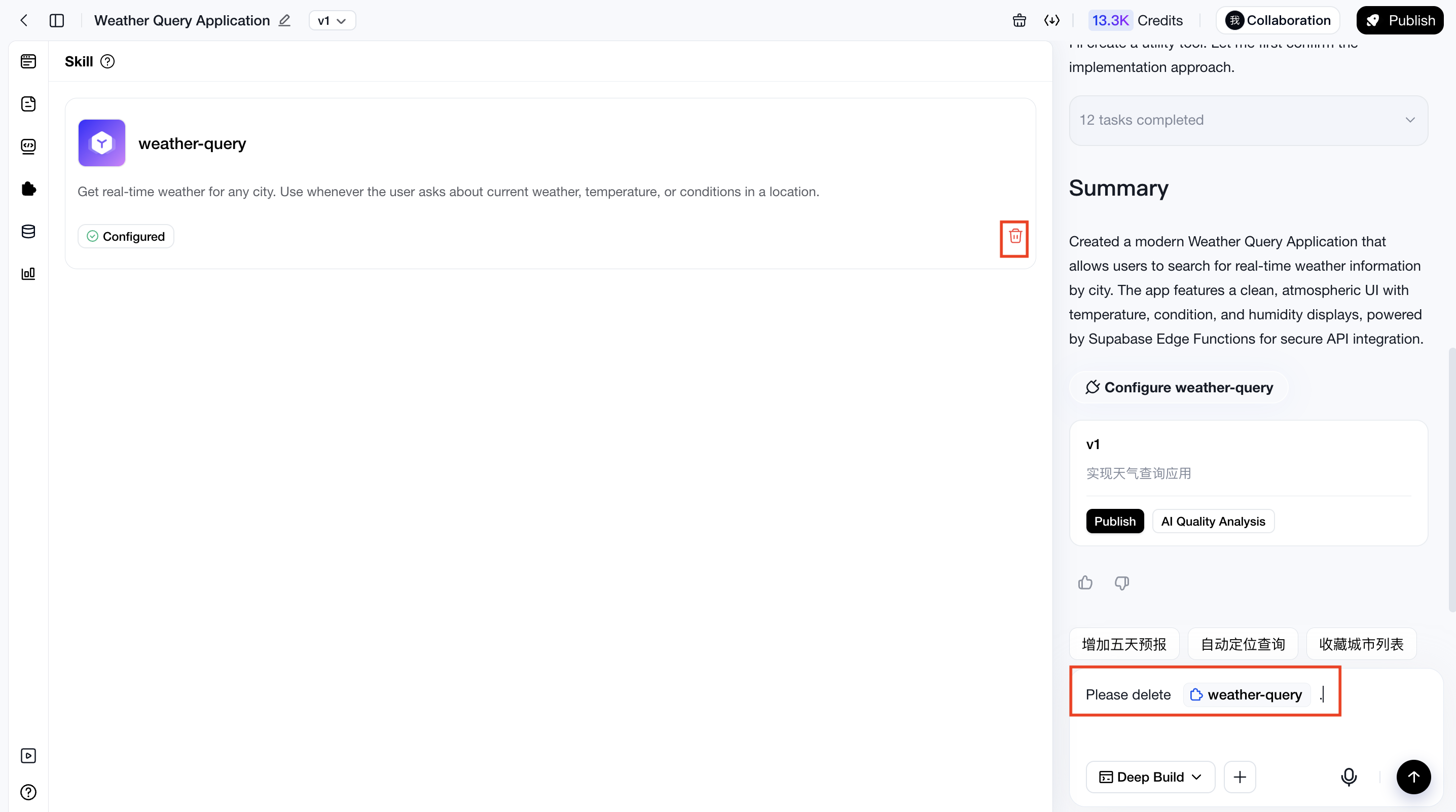
If you also want existing applications to stop using the skill, please remove the skill from the corresponding application. Once removed, the application will no longer use that skill.